
Make
A form people fill in
Ask for the date, the size, the budget — whatever you need before you can answer them. It arrives on WhatsApp.
You send what you have on your phone — the photos, the video, the numbers typed out the way you would say them — and a page comes back as a link a few minutes later. You change it afterwards by messaging.
One that already exists
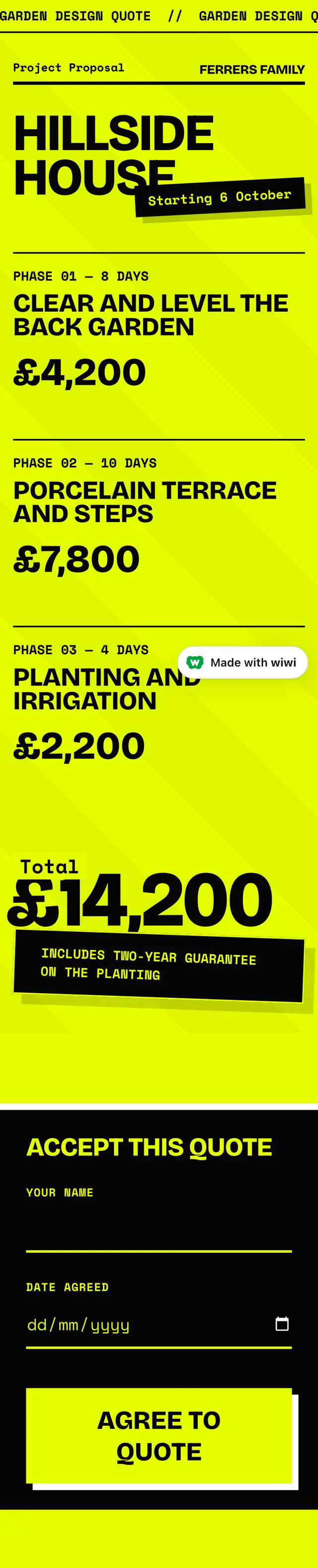
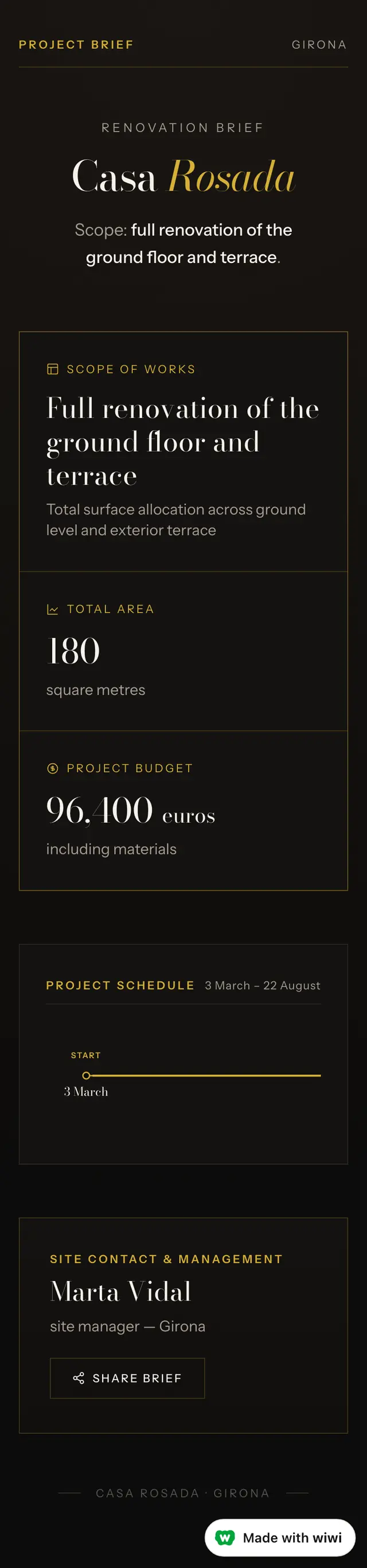
Not mockups. These are pages the product made, laid out exactly as they arrived. Scroll one. The ones with a link are live right now, so you can open them and check.



Who sends this
- Kitchen fitters and cabinetmakersSend them the three kitchens like theirs, not your whole Instagram.
- Landscapers and hardscaping contractorsYou walked the garden. Send the quote before you leave the drive.
- Home-service contractorsGet the shape of the job before you call back.
- Builders and remodelersThe brief is already written. Give the client one place to read it.
- Real-estate professionalsThe photographs are on your phone. Put the verified facts beside them.
What it will not do
Nine things, straight off the product’s own list. If one of them is what you need, this is the wrong tool and it is better to know now.
- changing what an entry SAYS from the conversation, or rewriting a stranger's submission anywhere
- deleting the account itself — wiping everything we hold about the owner and closing them down
- cutting stills from a video longer than twenty minutes
- an account or a login for anybody who is not the owner — a customer, a team-mate, a guest
- a page that takes money from the people who open it — a checkout, a card field, a shopping basket
- exporting a PDF of a page that is NOT a proposal, a quote or a budget — a gallery, a menu, a price list, a shop or anything interactive
- a second person editing the page itself
- editing or cutting a video file
Turn the job details into something you can send.
Send Wiwi a voice note, photos, video or the figures in WhatsApp. It can make a proposal, invoice or customer-ready page.
Tell Wiwi what you need